Prompts solve tasks. Workflows solve systems.
OpenClaw builds the latter.
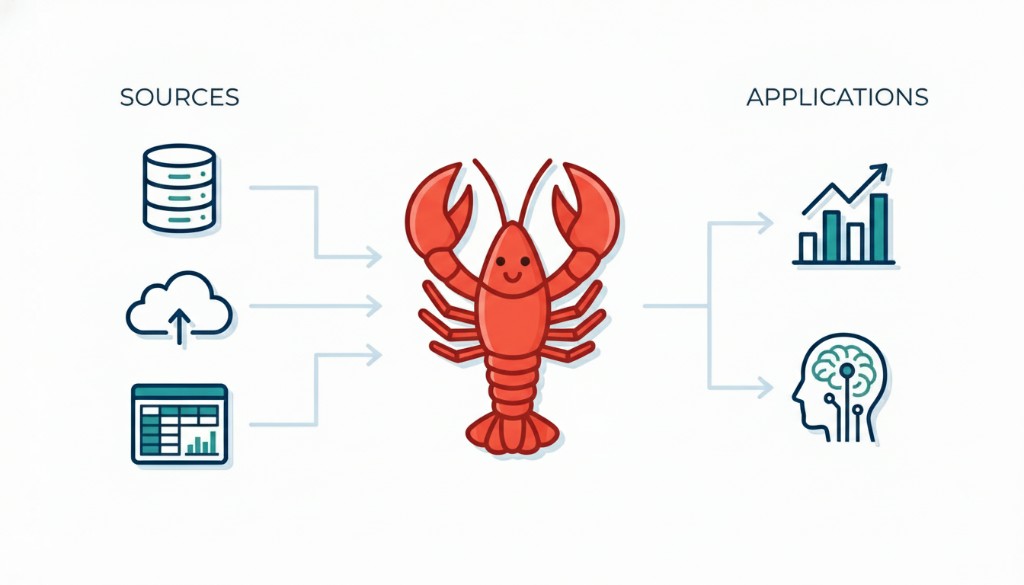
TL;DR
What it is
An orchestration layer for multi-step AI workflows.
When to use it
When your system needs decisions, tool calls, retries, or structured outputs.
When not to use it
For simple one-shot prompts or fixed scripts.
OpenClaw controls how workflows execute across steps, tools, and decisions.
Why OpenClaw Matters
Single prompts break down in real systems. They can’t reliably handle tool selection, retries, or multi-step logic under changing conditions, which leads to brittle behavior: inconsistent outputs, failed steps, and workflows that don’t scale beyond demos.
OpenClaw addresses this by introducing structure and control at the workflow level — making AI systems more predictable, debuggable, and production-ready.
How It Works in Practice
OpenClaw workflows generally move from request intake, to planning, to tool execution, to validation, then to final output. For implementation details, continue with how OpenClaw works.
If you want to understand how the workflow keeps track of progress, retries, and routing decisions across those steps, read OpenClaw flow state.
Decision Guide: Should You Use OpenClaw?
| Scenario | Recommendation | Why |
|---|---|---|
| Single-step prompt, no tool calls | Skip OpenClaw | Orchestration overhead adds little value. |
| Fixed deterministic script, stable inputs | Usually skip | A simple script is easier to maintain. |
| Multiple decision points and branching paths | Use OpenClaw | State-aware routing improves reliability. |
| Tool calling, validation, retries, fallback | Use OpenClaw | Execution policies become first-class logic. |
| Strict low-latency or minimal-cost requirement | Evaluate carefully | Multi-step orchestration can increase latency and spend. |
Common Use Cases
- Research workflows — gather sources, compare findings, and produce structured summaries.
- Content pipelines — transform raw inputs into drafts, edits, and final formatted outputs.
- Tool-based automation — decide which external tools to call and in what order.
- Support and routing systems — classify incoming requests and send them to the right workflow path.
To see these patterns applied in context, go to workflow examples.
OpenClaw vs Simpler Approaches
A single prompt is often enough when the task is short, direct, and does not require tools or intermediate decisions. A traditional script works well when every step is fixed and predictable. OpenClaw becomes more useful when the workflow needs reasoning, branching, tool coordination, or dynamic execution.
If comparison is your main question, continue with OpenClaw vs LangChain. If your focus is graph-style workflow control and stateful orchestration, use OpenClaw vs LangGraph.
Frequently Asked Questions
BeginnerWhat is OpenClaw used for?
OpenClaw is used for AI workflows that need multiple coordinated steps instead of one model response.
BeginnerDo I need OpenClaw for every AI feature?
No. If the task is short, linear, and reliable with one prompt, orchestration is often unnecessary.
TechnicalHow do I keep orchestrated workflows reliable?
Treat each step like a production service: define strict input and output contracts, make retry rules explicit, and add end-to-end tracing.